GPS Tracking is a vehicle GPS and video tracking service based on BlackVue Cloud.
It allows you to remotely monitor driving history, vehicle routes, and events in an intuitive map interface.
GPS Tracking Features
- View recent driving routes on the map
- Select any date via the calendar
- Access detailed logs of driving and event activity
- Watch event videos directly from the route map
📈 Tracking Log Generation Rules
The tracking log is created based on the following conditions:
- GPS / Cloud Connectivity
- As long as GPS and Cloud connection is stable for 30 minutes, data is recorded as a single route.
- If disconnected for over 30 minutes, a new route is created.
- If GPS briefly disconnects but reconnects within 30 minutes, the route continues, with the gap shown as a dotted line.
- Parking Mode
- If the dashcam remains in Parking Mode for 4 hours or more, data is saved under the first route.
- Exiting Parking Mode starts a new route.
- Power Off
- Powering off the dashcam ends the current route.
- A new route is created once the dashcam powers back on.
- 24-Hour Rule
- After 24 consecutive hours, the current route ends, and a new one begins.
📖GPS Tracking Icon Status Guide
| Icon | Status | Event |
| |
Route start | |
| |
Route end | |
| |
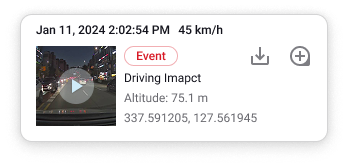
Impact Event | Driving impact |
| |
Parking | |
| |
Parking Event | Parking impact |
| |
Reckless Driving |
Hard acceleration Hard braking Hard cornering Over speed |
| |
Manual Event | Manual |
| |
Geofence Event |
Pass Enter Exit |
| |
Inattentive Driving |
Drowsy Distracted Hand distraction |